Nook Locker · technical documentation
Smart locker cabinets, unlocked from a phone
Nook Locker is a range of wall-mounted connected lockers. Each compartment is assigned to one customer, who opens it from the mobile app, with no key, no code and no one at the desk. The three models share the same compartment, electronics, software and security; only the number of compartments changes. This documentation covers their mechanics, wiring, software, API and security, with an interactive 3D model and STEP files for manufacturers.
3 models48, 100 and 144 compartments
100 × 120 × 100usable compartment, mm (W × D × H), on every model
163 mmdepth, wall-mounted, on every model
12 V · RS485locks and control bus
Offlinebattery backup and Bluetooth unlock when the internet is down
The range
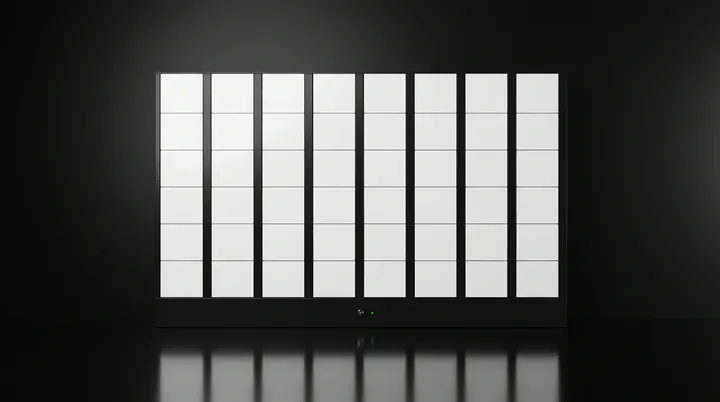 Nook Locker 4848 compartments · 8 × 6 grid1,025.5 × 163 × 710.5 mm1 lock board · Small offices, agencies and shopsDrawings
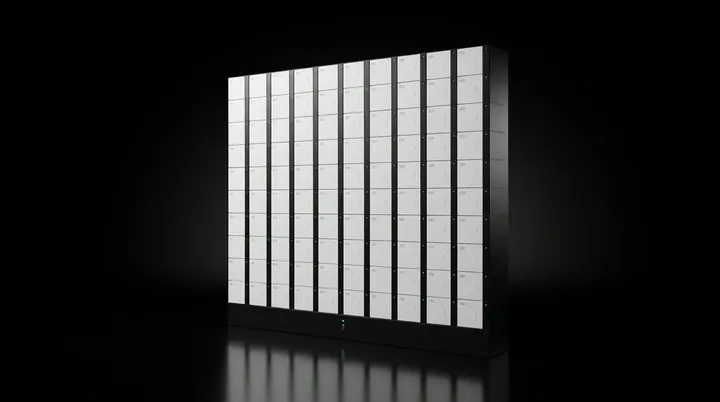 Nook Locker 100100 compartments · 10 × 10 grid1,281.5 × 163 × 1,116.5 mm3 lock boards · Hotels, gyms, coworking and residencesDrawings
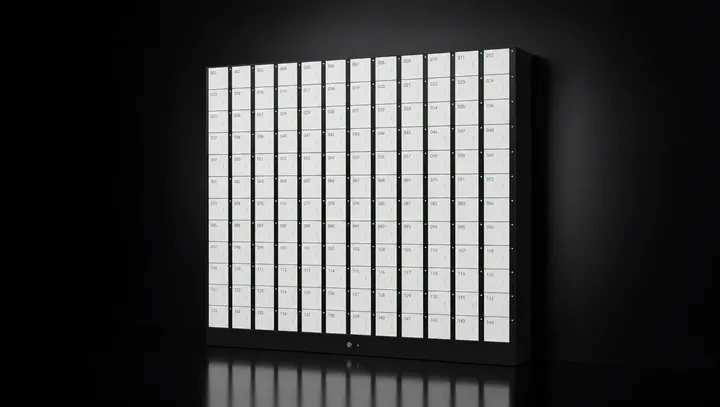 Nook Locker 144144 compartments · 12 × 12 grid1,537.5 × 163 × 1,319.5 mm3 lock boards · Campuses, large sites and high trafficDrawings
The Nook Locker 100 is the reference model in the 3D model, wiring and software chapters. The 48 and 144 use the same parts: only the grid, the number of lock boards (48 locks each) and the overall size change.
One system for the whole range
- Same compartment: 100 × 120 × 100 mm, 1.5 mm steel, left-hinged door with ejection spring and door sensor.
- Same electronics: 12 V supply with DC UPS and battery, KR-CU48 lock boards on an RS485 bus, a Raspberry Pi controller in the technical plinth.
- Same software and API: the backend sends signed commands over MQTT/TLS, whatever the size of the cabinet.
- Same security: signed single-use commands, per-cabinet certificates, Bluetooth offline tokens, full audit log.
What's inside this documentation
01System architectureHow the app, the backend, the MQTT broker and the cabinet controller talk to each other.02Interactive 3D modelExplore the cabinet at scale: orbit, zoom, hide the doors and click any part for its size and position.03General arrangement drawingsFront elevation and side section with the main dimensions in millimetres.04Wiring and signal pathFollow an unlock from the app to the lock, simulate outages, and wire the cabinet right the first time.05SoftwareUnlock sequence, MQTT topics, RS485 frame format and the Raspberry Pi controller service.06App API (REST)Draft REST specification between the mobile app, the operator console and the backend: authentication, routes, formats, webhooks and errors.07Cabinet APIMQTT topics, signed unlock commands, events, refusal reasons and Bluetooth offline tokens, for backend integrators.08Security and resilienceAccess control, transport security, outage behaviour, physical protection, audit and device hardening.09DownloadsSTEP model and controller source for manufacturers and integrators.